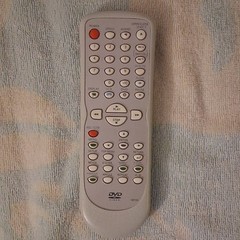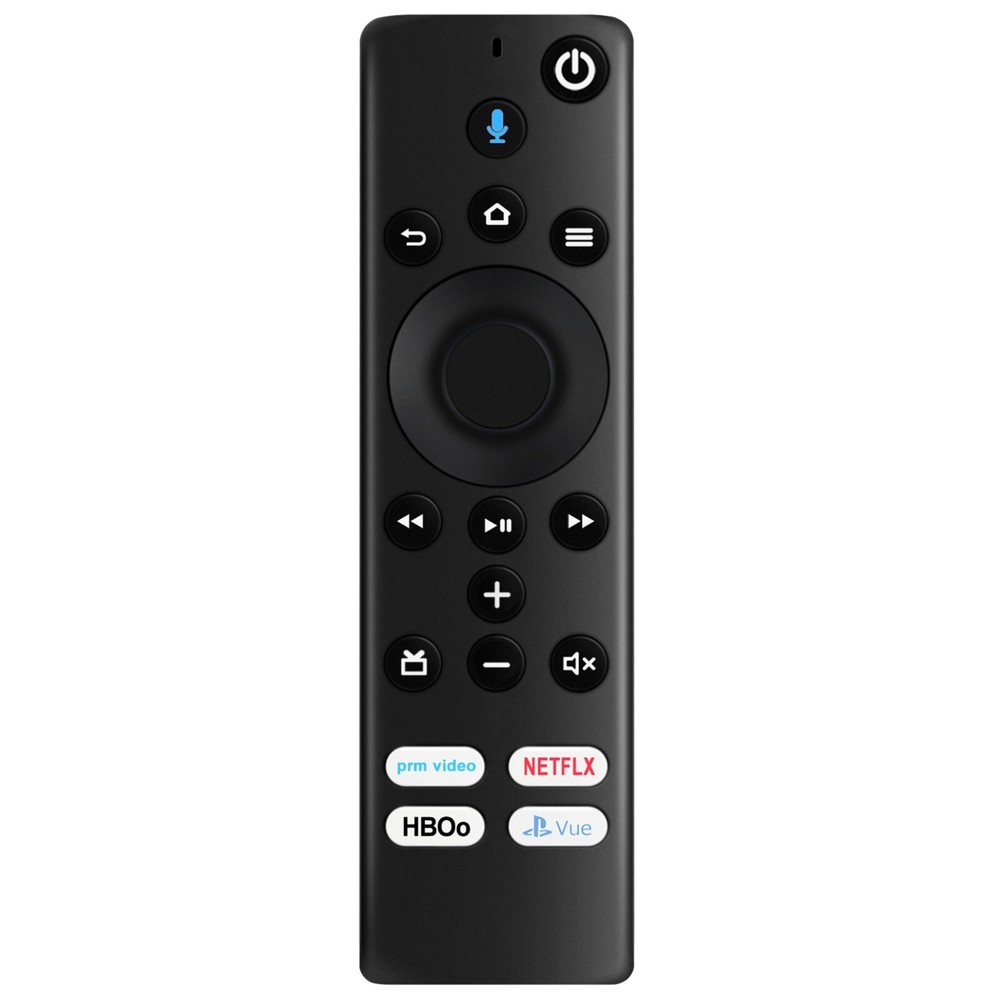
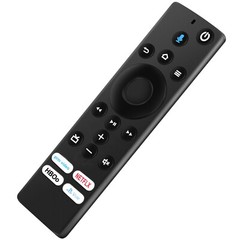
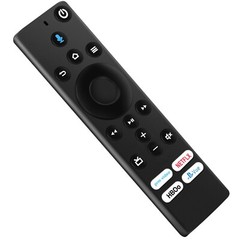
NS-RCFNA-19 Replace Remote for Insignia TV NS-43DF710NA19 NS-50DF710NA19
Specifications
| Return Shipping Will Be Paid By | Buyer |
| All Returns Accepted | Returns Accepted |
| Item Must Be Returned Within | 30 Days |
| Refund Will Be Given As | Money Back |
| Compatible Brand | For Insignia |
| Brand | Unbranded |
| Type | TV Remote Control |
| Unit Type | Unit |
| Wireless Range | 5-10 m |
| Color | Black |
| Model | NS-RCFNA-19 |
| Features | Wireless |
| MPN | NS-RCFNA-19 |
| Country/Region Of Manufacture | China |
New NS-RCFNA-19 Replace Remote Control Applicable for Insignia TV Please pair it with your tv before use. Compatible with below Insignia TV models:NS-43DF710NA19 NS-50DF710NA19 NS-55DF710NA19 NS-24DF310NA19 NS-32DF310NA19 NS-58DF620NA20 NS-39DF510NA19 Power Supply: 2X 1.5V AAA Alkaline Battery Package Content:1X Remote Control Reset Your Remote: Having trouble with your remote, first remove and reinsert the new alkaline batteries in your remote. then Reset your remote as below: Place your remote within 10 feet of your TV. 1. Press the Left, Menu, and Back buttons simultaneously, and hold for 10 seconds. 2. Wait for 60 seconds. 3. Remove the batteries from your remote, unplug your TV, and wait 60 seconds. 4. Plug your TV back in, and wait for the Home Screen to display. 5. Hold the Home button on your remote for 40 seconds, then wait 60 seconds for setup to complete.
Related Items