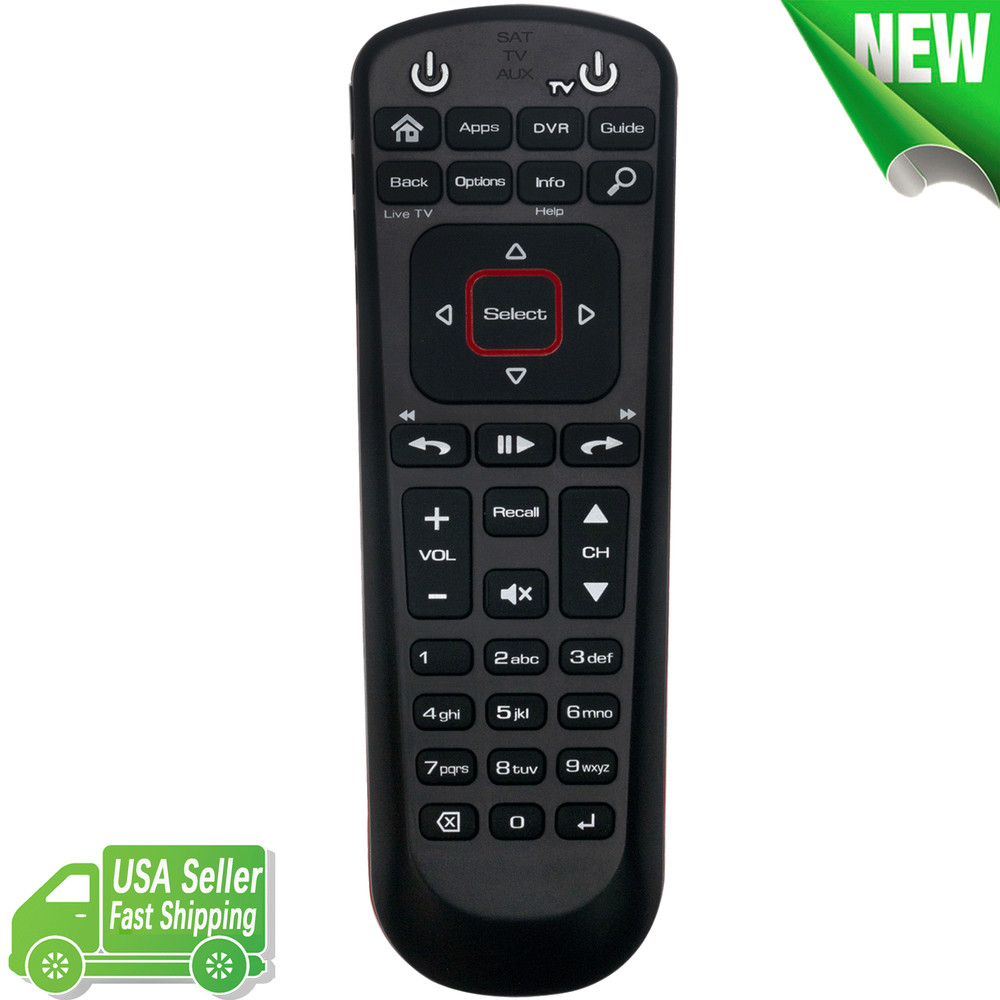
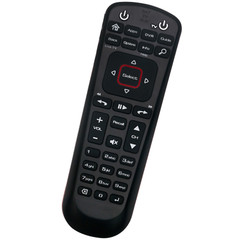
Dish Network 52.0 Replace Remote Control for All Hoppers Joeys Wally Receiver
Specifications
| Return Shipping Will Be Paid By | Buyer |
| All Returns Accepted | Returns Accepted |
| Item Must Be Returned Within | 30 Days |
| Refund Will Be Given As | Money Back |
| Compatible Brand | For Dish Network |
| Brand | Unbranded |
| Type | Remote Control |
| Wireless Range | 5-10 m |
| Manufacturer Color | black |
| Color | Black |
| Model | Dish Network 52.0 |
| Connectivity | Wireless |
| Features | Dish Network 52.0 |
| MPN | Dish Network 52.0 |
| Country/Region Of Manufacture | China |
Dish Network 52.0 Replace Remote Control for All Hoppers Joeys Wally Satellite Receiver Featuer:Model: dish-52.0US Seller Faster shipping and excellent serviceConnecting to TVs or Other Devices (Not Receivers): These models are some of the more advanced versions of Disk Network remotes, and tend to work with modern, more modular menus. Because the two processes are so similar, we’re grouping them under the same set of instructions. However, since the remotes are a little different, stay patient and make sure that you are picking the right buttons and on-screen options. Connecting to Receivers: There’s a separate setup procedure for connecting to receivers that you’ll need to follow. The good news is that it’s generally simpler than connecting to other devices. So, let’s again break it down by remote and what steps you need to take! Note: These remotes are designed to be paired with the intended DISH Network receiver. They aren’t designed to be paired with DISH receivers that are too much older or too much newer. In other words, don’t try to pair a remote from one model with a receiver from different model. Step 1: Take a look at your receiver. You should see a smaller, round button on the right side called Sys Info, right by the red reset button. Give it a press. This should cause the System Info screen to pop up on your TV, but you can ignore it for now.Step 2: Look on the side of your remote – the first side button should be SAT. Give it a press, too.Step 3. Now look at the front, top portion of your remote. Right under the home button, you should find a button that says Back. Press it too.Step 4: Now look at your TV. The System Info screen should vanish. If it doesn’t, manually reset the remote and try again. Package Content:1 x Remote Control If you have any problem with the remote control, please let us know before leaving feedback, we will do our best to solve it.
Related Items