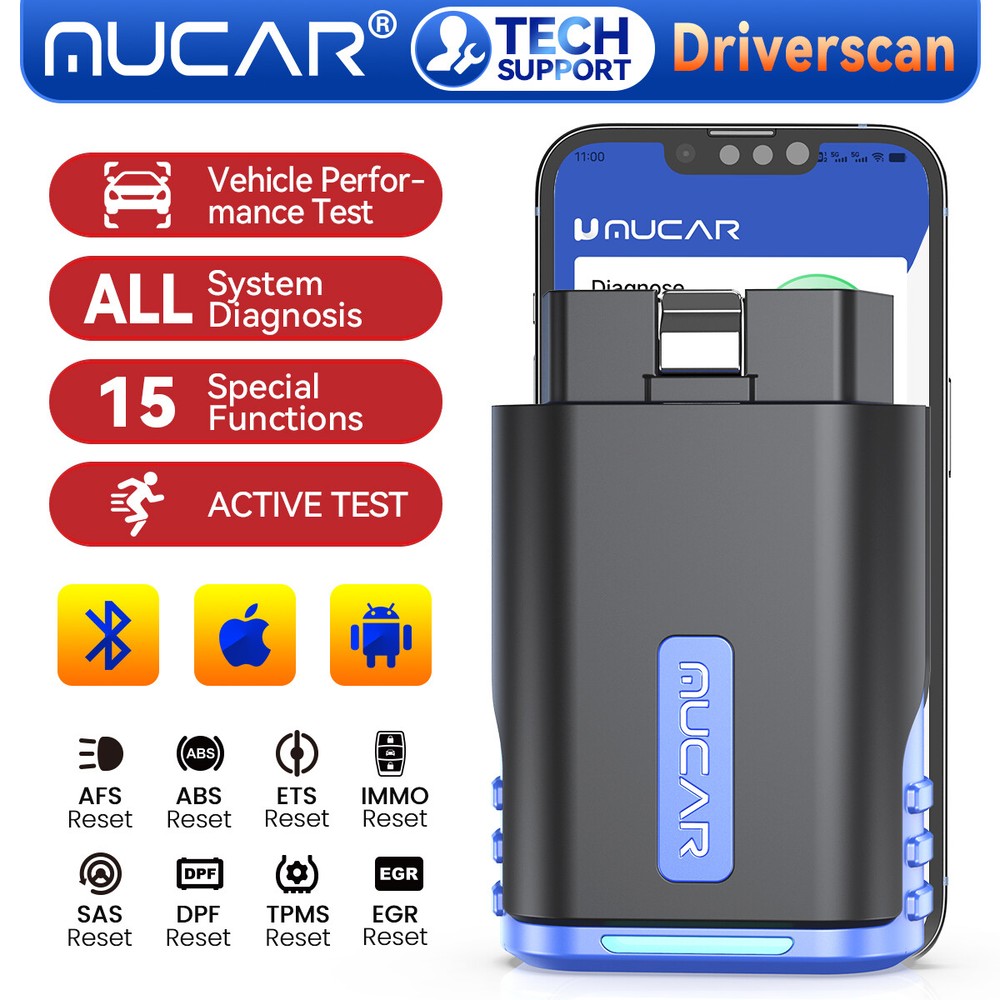
MUCAR DriverScan Bluetooth Bidirectional All System Diagnostic Tool OBD2 Scanner
USD 45.99 USD
Specifications
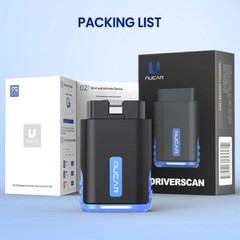
| Accessories | User Guide |
| Brand | MUCAR |
| Connectivity | Bluetooth |
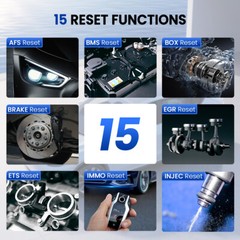
| Feature 1 | 15 Resets |
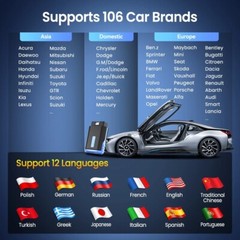
| Feature 4 | Over 115 Major Vehicle |
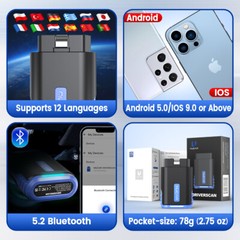
| Feature 5 | Support 12 Languages |
| Feature 7 | Read Live Data Stream |
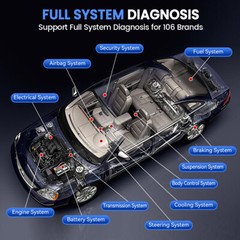
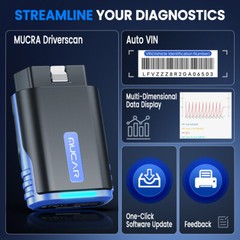
| Function 1 | Full System Diagnosis |
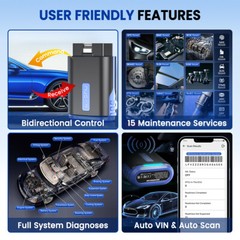
| Function 2 | 15 Maintenance Service |
| Function 4 | Supports 12 Languages |
| OBD Interface | CAN, EOBD, OBD, OBDII |
| Vehicle Type | Passenger Vehicle |
| Warranty | 1 Year |
| Country/Region Of Manufacture | China |
| Unit Type | Unit |
| APP Version | Android and IOS |
| Material | 100% Original |
| ⭐iOS +ANDROID APP | MUCAR |
| Applicable Regions | All over the world |
| Function 5 | Bi-directional Control |
| VERSION | 2025 NEWEST |
| Update | 1 Year Free Update |
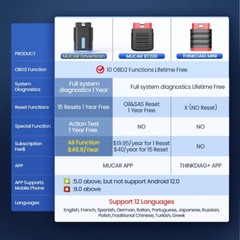
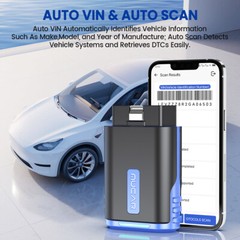
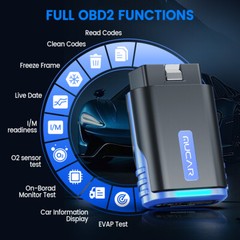
What Can You Do With The MUCAR DriverScan ?. What Is The Difference Between DriverScan and BT200 Pro/BT200?. Plug the MUCAR DriverScan dongle into the vehicle’s 16pin OBD2 Data Link Connector and then turn on your vehicle.
Related Items
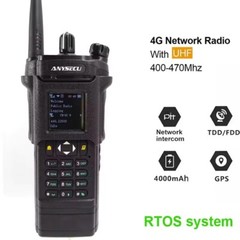
ANYSECU HD6500 Real-ptt 4G Network Radio RTOS System UHF Analog Walkie Talkie
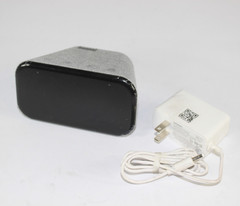
Lenovo CD-4N341Y Smart Clock Essential Gray
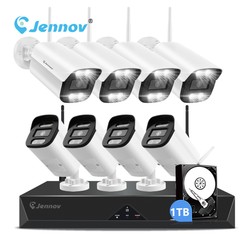
5MP Outdoor Wireless Security Camera System Home WiFi 10CH NVR Night Vision 30m
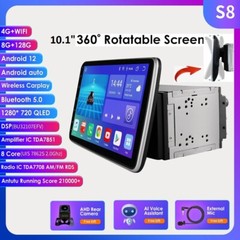
10.1” Android 12 8+128GB Rotatable QLED Car Stereo Radio GPS Wifi Double 2 DIN
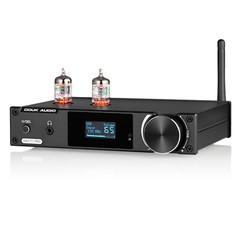
HiFi Bluetooth Tube Preamp S/PDIF USB DAC Speaker Receiver D/A Audio Converter
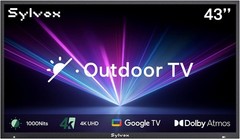
Sylvox 43” Outdoor TV Matte screen Dolby Atoms 1000nits App IP55 waterproof
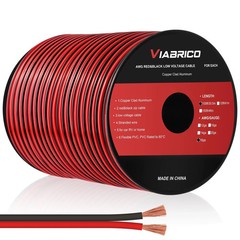
16 Gauge Wire, 16AWG Automotive Wire Electrical Wire 100FT 2 Conductor Red Black
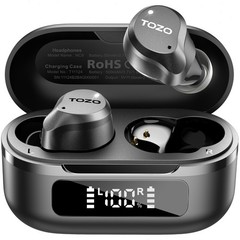
TOZO NC9 Wireless Earbuds with Hybrid ANC-Modes, IPX8 Waterproof, Refurbished