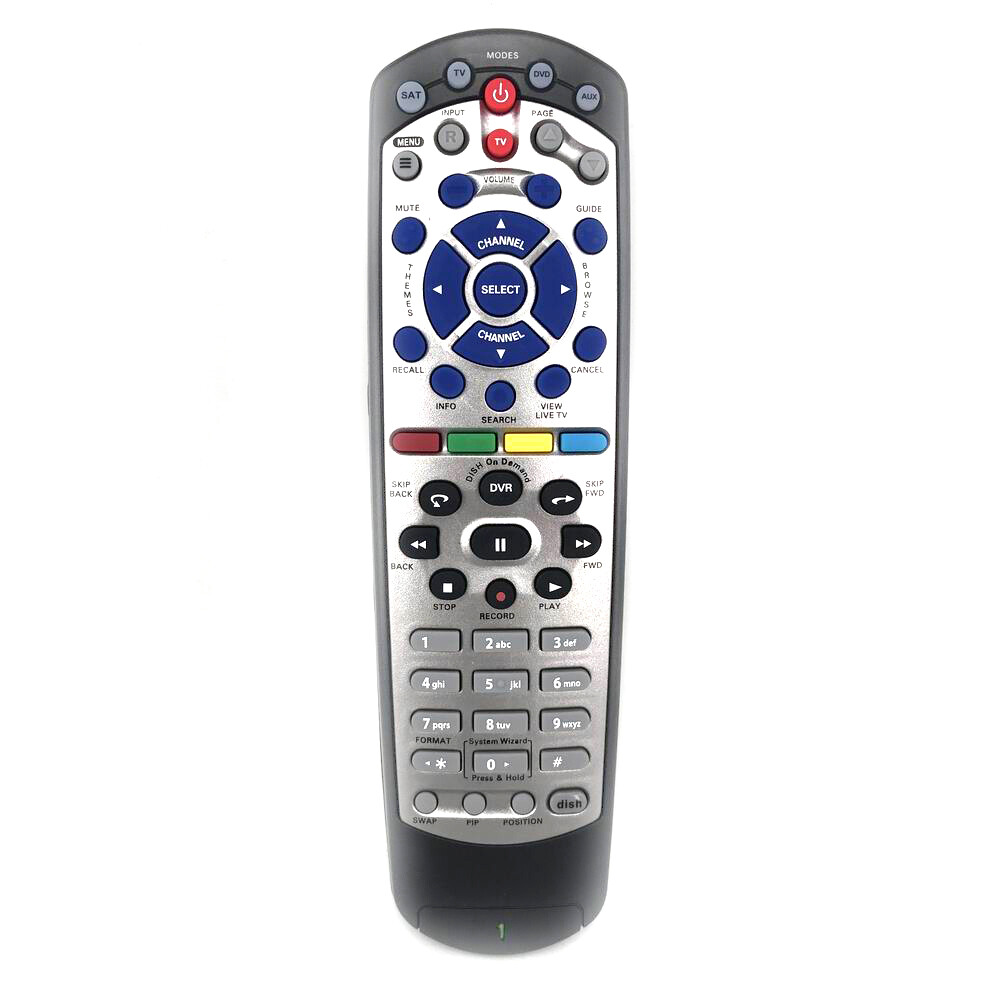
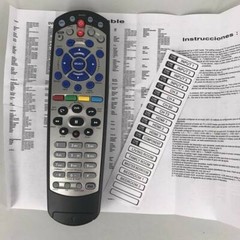
New For DISH 20.1 DVD DVR TV1 Dish-Network Satellite Receiver IR Remote Control
Specifications
| Return Shipping Will Be Paid By | Seller |
| All Returns Accepted | Returns Accepted |
| Item Must Be Returned Within | 30 Days |
| Brand | Unbranded |
| Compatible Brand | For Dish |
| Color | Black |
| Model | Dish 20.1 |
| Compatible Model | Dish 20.1 |
| Country/Region Of Manufacture | China |
| Feature | ESCP |
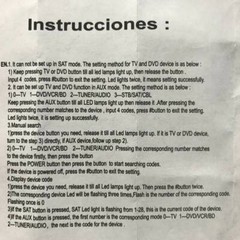
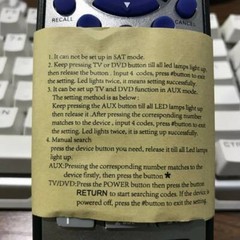
New For DISH 20.1 DVD DVR TV1 Dish-Network Satellite Receiver IR Remote Control Model Number: 20.1 Condition: New For Dish Compatible For For Dish Type: Dish Network Remote Channel: 1 Frequency: 433 MHz Material: ABS Material Colour: As Shown Weight: 0.10kg (0.22lb.) Quantity: 1 x remote control (requires 2 x AAA batteries,batteries are not included) Unit Type: piece Package: PP Bag Package Weight: 0.150kg (0.33lb.) Package Size: 28cm x 13.5cm x 0.5cm (11.02in x 5.31in x 0.2in) Remark: A replacement remote control units and will work as well as the originals. . Supplied with TV models: VIP 622, 722, 222, 522, 625, 942, 201, 211, 301, 311, 322, 351, 1000, 2200, 2700, 2800, 2900, 3000, 3200, 3700, 3800, 3900, 4000, 4100, 9200, 5200, 6000. 6100 It requires 2 x AAA batteries,batteries are not included. it has no RF section. It can not be setup in SAT mode. If you have tried the remote control can't work, you can try to press TV device button long, the device lights up, enter the code 1005, and the device flashes two, then indicates that the setup is finished. You can activate the remote by pressing System Info on the receiver, pressing SAT on remote, then Record and Done. Maybe not all the lamps light up on the remote. Finally, set up remote for TV1 as. OR Here's the directions for setup to turn on remote, (1) Press System Info on your Receiver. This Button is located behind a door of some Dish receivers. (2) Press SAT and than RECORD on your Remote. (3) Select Done On the TV Screen. Thank you.
Related Items